How is a party's balance charged automatically?
With a deposit, the rest is charged to the family's card before the party. They agree when they pay and get an email first. Charge it now or stop it.
When a party is booked with a deposit, the rest is charged to the same card a few days before the party. You don't need to chase balances at the desk.
Before you begin
- Online party booking takes a deposit (Booking Settings > Pay Online > A deposit now, the rest later).
- Only owners can change Booking Settings. Owners and managers can charge a balance now or stop the automatic charge for one party.
Steps
Turn it on or change the day
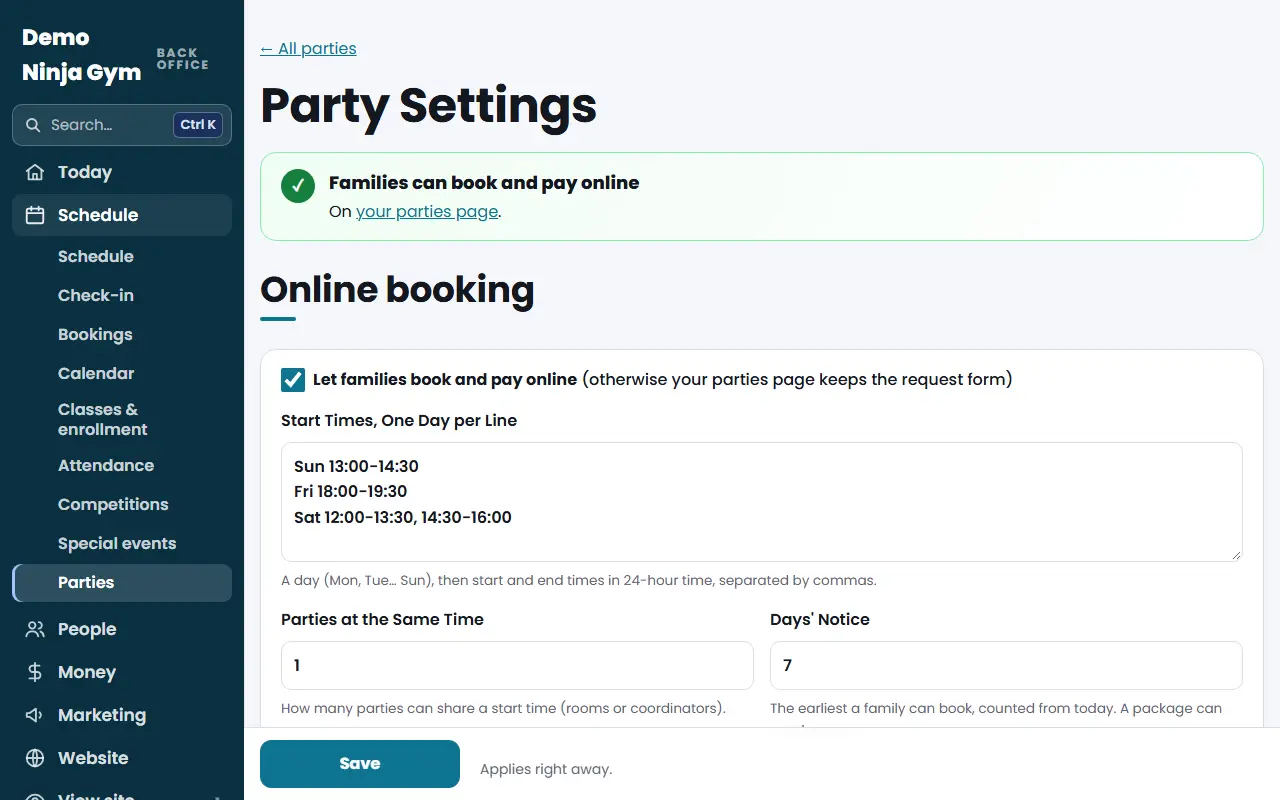
- Open Parties and press Booking Settings.
- Leave Charge the balance automatically on. It's on unless you switch it off.
- In Days Before the Party, choose how many days before the party the balance is charged (1 to 14; the default is 3).
- Press Save.
What the family gets
- When booking, the family sees "Pay a $100 deposit now. The rest is charged to the same card 3 days before the party." Their checkout repeats it above the pay button.
- Three days before the charge, they get an email with the amount, the card and the date.
- On the day, the balance is charged and they get a receipt.
- Their party page shows when the balance is charged, with Pay the Balance Now if they'd rather pay early or use another card.
Charge it now, or stop it for one party
- Open the party from Parties.
- Under Payment you see when the balance is charged and to which card.
- Press Charge $X Now to charge it today. The family gets a receipt.
- Or press Stop the Automatic Charge to collect it at the desk instead. Charge Automatically Again turns it back on.
What you'll see
- Each charge, decline and change shows in the party's Activity with who did it.
- The Parties list shows a balance due until it's paid.
Questions
Do families agree to it?
Yes. Above the pay button for the deposit they see the balance, the day it's charged, and that the card is kept by Stripe for it. That agreement is saved with the booking.
What if the card is declined?
The family gets an email with a link to pay, you get a phone alert, and the party's activity says why. It's tried once more the next day. After that, collect it at the desk or the family pays from their party page.
What about a party booked only a few days ahead?
If the party is closer than the charge day, the family pays the full price when they book.
Is sales tax added?
When sales tax is on, Stripe Tax works out the tax on the balance and adds it to the charge.
Are parties booked before this was turned on charged?
No. Only bookings where the family agreed at checkout are charged automatically. Collect earlier balances at the desk as before.
What happens when I refund a party?
The refund returns both the deposit and the balance to the family's card.
Related articles
- How do I let families book and pay for birthday parties online?
- How do I see every party, who's coming and their waivers?
- How do I run a party on the day: check-in, allergies and the run sheet?
- How do I create a competition and open registration?
- How do I set which leagues we host, or send families to Ninja Master to register?