One signature for the whole family
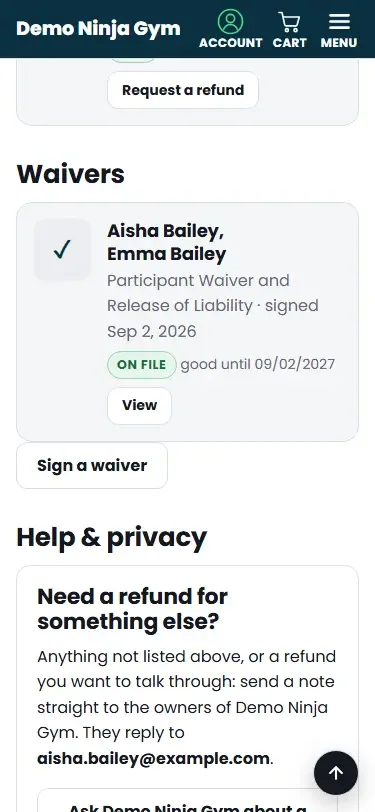
A parent signs your waiver once for themselves and all their children, on their phone before they come or on a tablet at the desk. It's on file for a year, renews itself, and is built into class check-in, birthday parties and competition registration.
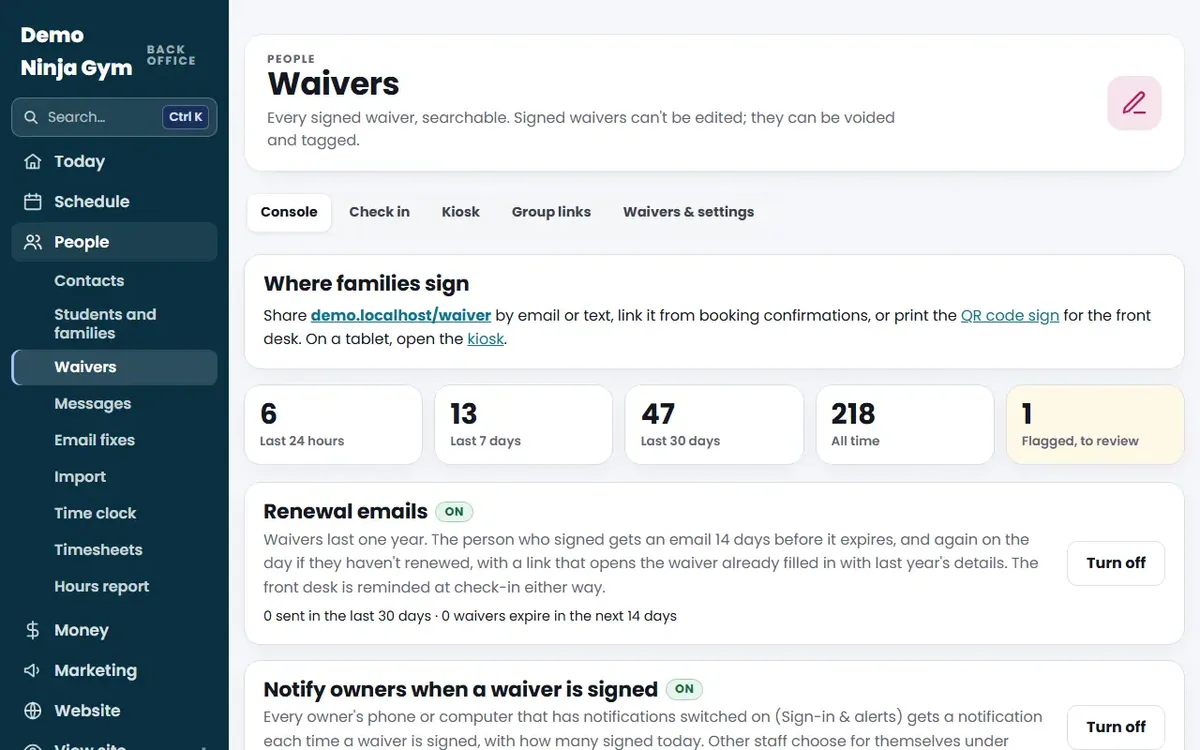
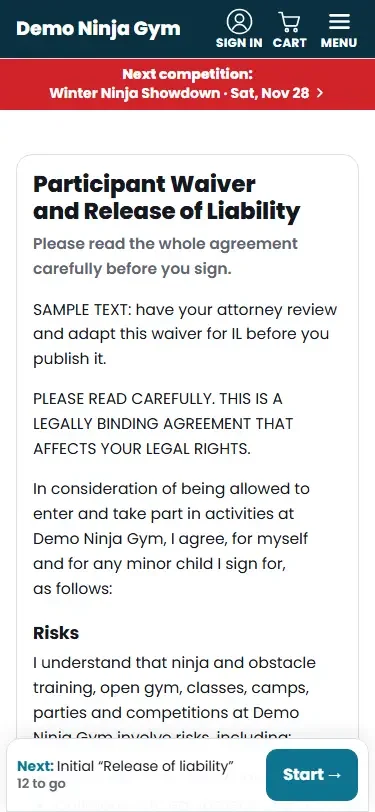
Signed on a phone in three minutes
A parent signs for the whole family on the gym's own website; the front desk finds it a moment later.
Sign the waiver
- 1. Open the gym's waiverFrom the website, a booking email or a QR code at the desk.
- 2. StartNext always jumps to what's left, so nothing is missed.
- 3. Initial each sectionOne tap per section, with your initials.
- 4. Me and my childrenAdd every child once; their details are saved for next time.
- 5. Sign with a tapOr draw a signature.
- 6. SignedA copy is emailed to the parent at once.
- 7. The gym sees itPeople › Waivers, newest first and searchable; open it and check the family in.
A waiver, start to finish. Sample gym.
Video from a demo gym with sample families and staff.
Guided, fast, done on a phone
No scrolling a wall of legal text with a stylus. The waiver walks the parent through it section by section.
- Me, or me and my kidsOne signing covers the adult and every child they list, each with their age.
- Start, Next, FinishA counter shows how many sections are left. Initials are tapped once and stamped on the rest; a typed name becomes the signature, or they can draw it.
- A copy for the familyEmailed as soon as it's signed, and always in My account beside each child.
- No dates of birth collectedThe parent confirms they're 18 or older and gives each child's age.
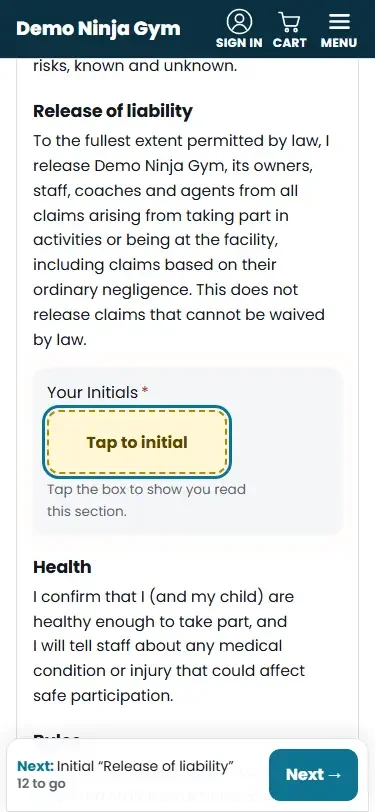
Sample data.
No clipboards, no lost paper
A tablet kiosk
A tablet at the front desk files each waiver straight away and emails the family their copy. It keeps working through an internet outage and uploads later, and clears itself after 3 idle minutes.
Flagged at check-in, signed by QR code
Check-in shows "No waiver" or "expires on" beside each child. Staff show a QR code, the parent signs on their own phone, and the child is checked in by itself. Or renew it on the tablet, or check in anyway. Watch it
Find any waiver
Search by name, email, phone or tag; filter flagged, expired or kiosk-signed; download a CSV.
Groups and field trips
A link and QR code for a group, and a printed day list with allergies and medical flags.
A ping for each one
Owners get a phone notification for every signed waiver, unless they turn it off.
Signed at the self check-in kiosk
When a family checks themselves in and a child's waiver is missing or out of date, the self check-in kiosk opens your waiver right there, then checks the kids in once it's signed.
Renewed every year, by itself
Waivers last a year. Families are emailed 14 days before theirs runs out and on the day, and the renewal opens with everything filled in except the new signature.
- Add or remove a childWhen renewing, the family updates who's covered.
- A signed waiver never changesOwners can void one, but nobody can edit a signed waiver.
- Your own waiver system?Link to it instead; Ninja HQ sends families there.
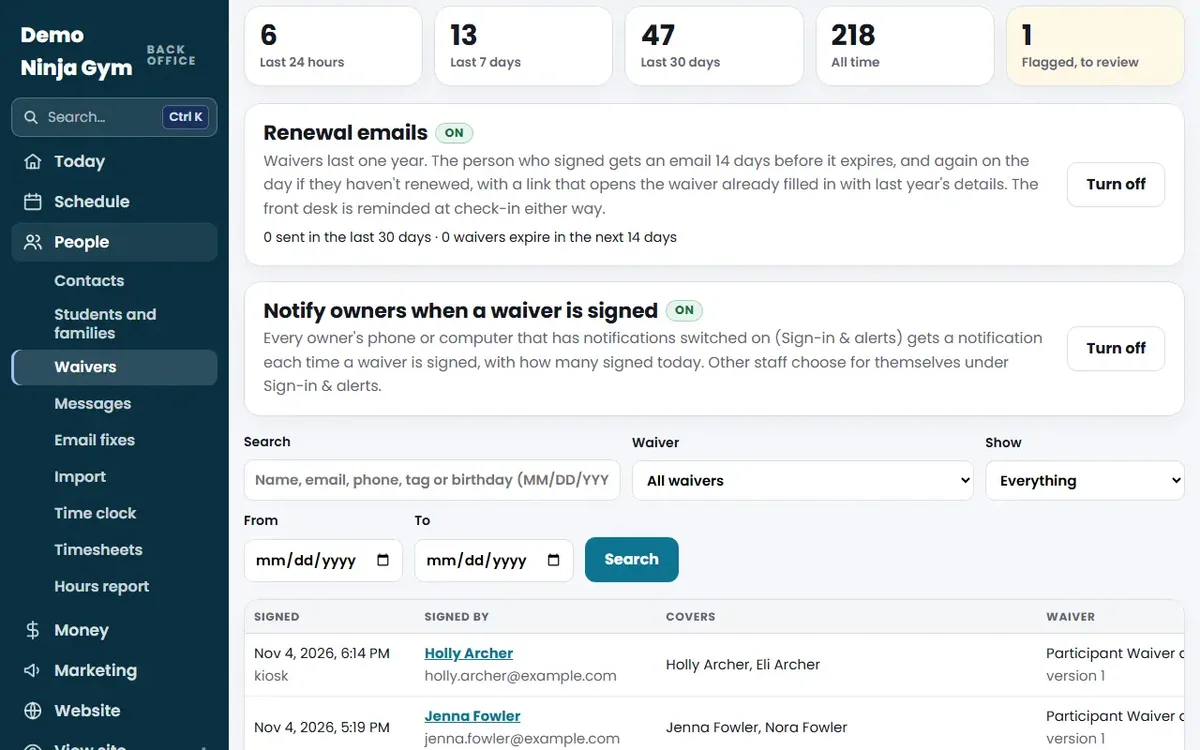
Sample data.
The waiver is part of every booking
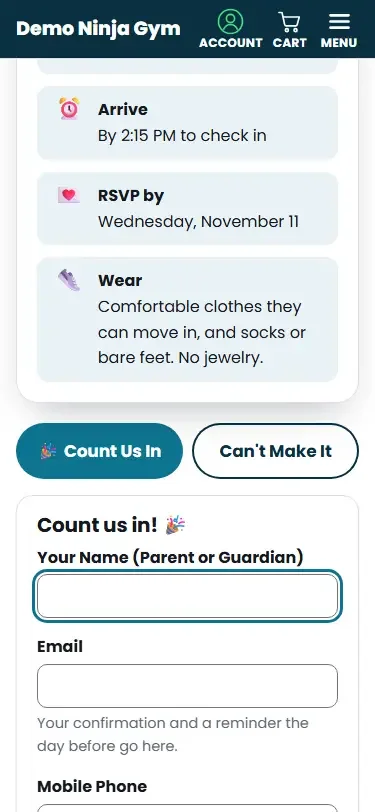
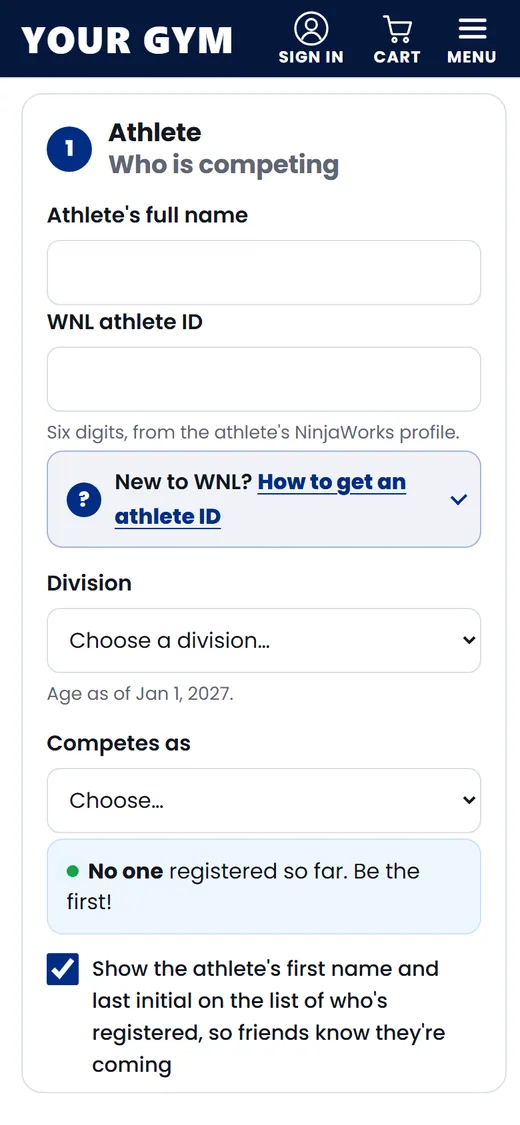
Party guests sign it when they RSVP. Competitors can't register without it.
Waivers, answered
Does one waiver cover all my children?
Yes. The parent signs once for themselves and every child they list.
How long does a waiver last?
A year. Families are emailed 14 days before it runs out and on the day, with the renewal filled in.
Can I use my own waiver wording?
Yes. Your waiver text is yours; have your attorney review it. Ninja HQ handles the signing, storage and renewals.
What if the internet goes down at the desk?
The kiosk keeps taking signatures and uploads them when the connection is back.
Do you collect children's dates of birth?
No. The parent gives each child's age and confirms they are 18 or older themselves.
Keep exploring
Give your gym the HQ it deserves
Give us your current website and we build your new one, free to explore. No payment before you approve launch. Prefer a walkthrough? Request a 30-minute demo with a Ninja HQ expert.