Classes that fill, tuition that pays itself
Parents find a class, see the spots left and enroll on a phone in a minute. Tuition is charged every month to your own Stripe account, trials follow up by themselves, and families manage everything in My account.
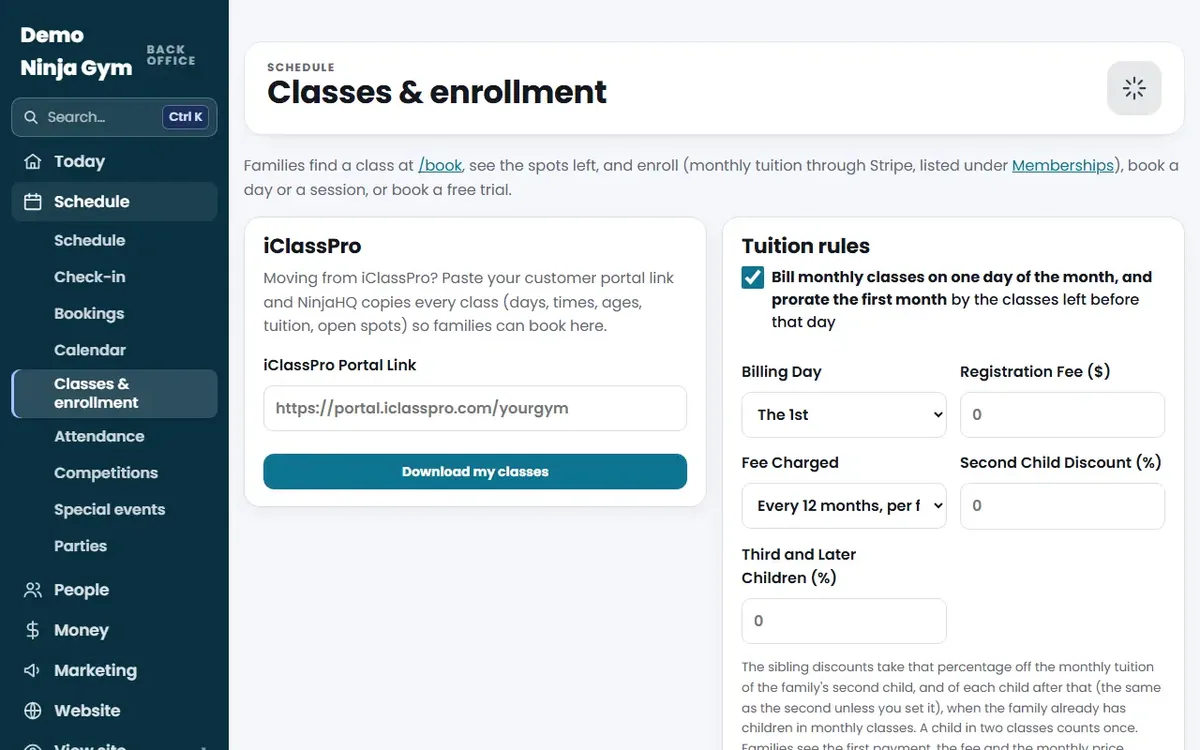
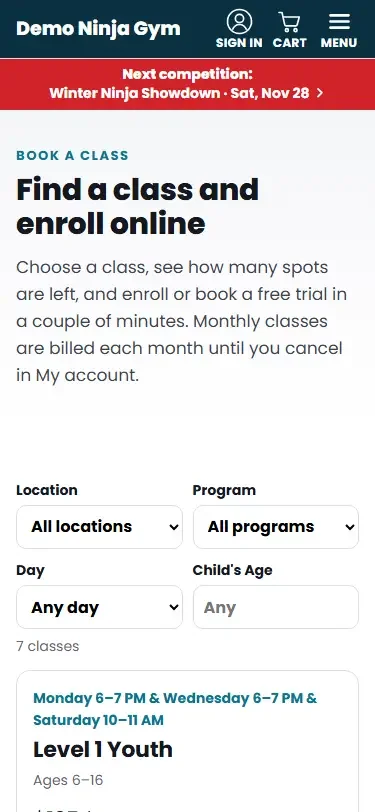
A free trial or a membership, in a minute
Parents do it on their phone, on the gym's own website. Your back office shows it the moment they finish.
Book a free trial
- 1. Find a classEvery class with the spots left. Enter the child's age to see only the classes that fit.
- 2. Choose a free trialThen pick the day.
- 3. The child and your detailsA name, a birthday, an email and a phone number.
- 4. BookedA confirmation now, a reminder the day before, and a follow-up afterwards inviting them to enroll.
- 5. The gym sees itUnder Trial classes coming up in Classes & enrollment.
A free trial, start to finish. Sample data.
Join a membership
- 1. Pick a planEvery plan and its price on the gym's Memberships page.
- 2. Who it's for, and your detailsThe member, and the adult who pays.
- 3. The terms before payingThe price and the automatic renewal, ticked before the card is asked for.
- 4. Pay by card on StripeThe membership is active right away, with the next payment date.
- 5. The gym sees the new memberActive on the Memberships page. Members cancel online in My account.
Joining a membership. Sample data.
Videos from a demo gym with sample families.
A parent enrolls without calling you
Your Book a Class page shows every class by age and day with the spots left, and books straight into your schedule.
- Pick a first classFamilies choose their first class date. Set one billing day for everyone and the first month is prorated.
- Sibling discountsA second-child and a third-and-later percentage, applied at checkout for the same family.
- A registration fee if you want oneOnce per family, or once a year.
- A waitlist for full classesWhen a spot opens, the first family is emailed and the spot is held for 48 hours, then offered to the next. Nothing is charged to join the list.
- Rosters and attendancePrint a roster, email a class's families, and see who comes, the busiest times and members not seen in two weeks.
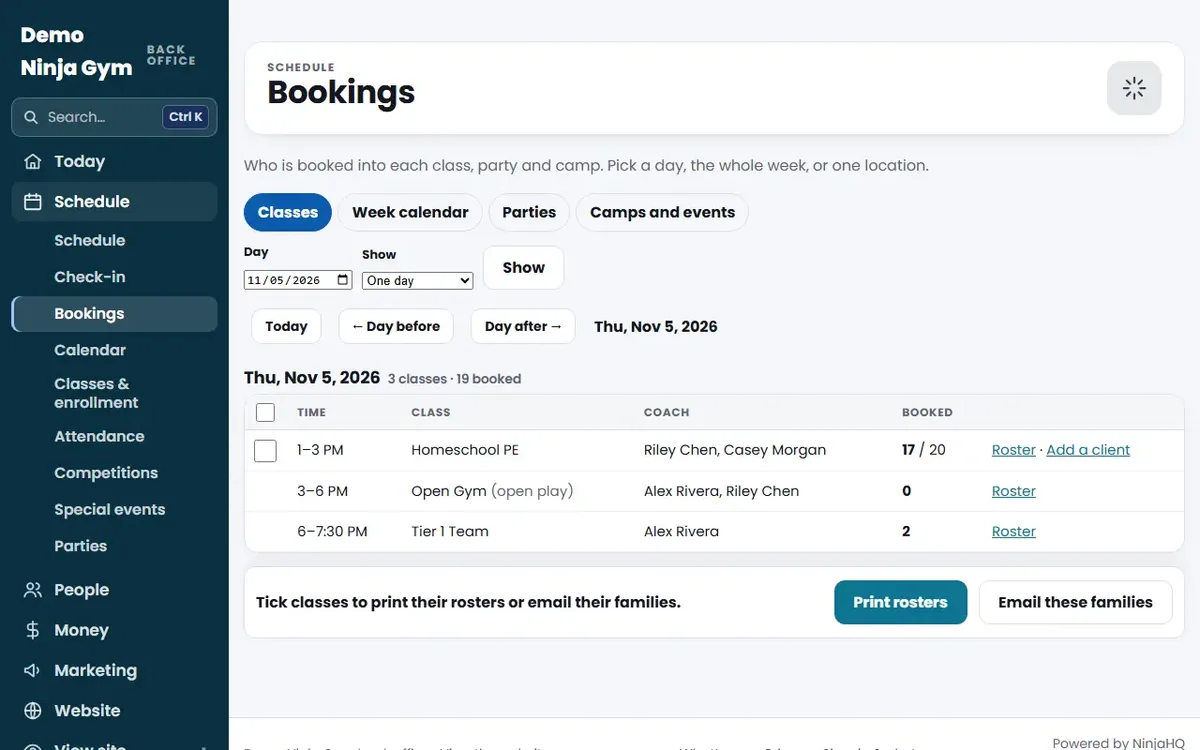
Bookings: every class and who's coming. Sample data.
Tuition on autopay, no chasing
Every enrollment and membership is charged automatically through Stripe, to your own account. Ninja HQ never sees a card number and adds no transaction fee.
- Membership plansClass tuition, open gym plans or family plans, billed monthly, weekly or yearly. Members put on hold pay nothing until they come back.
- Failed payments, handledThe family is emailed an Update My Card button on the first failure, Stripe retries, and Cards to Update lists expired and replaced cards.
- Cancel online, like the law asksFamilies see the price and renewal terms before paying and cancel in My account as easily as they joined. Renewal reminders go out by themselves. Built to support automatic renewal laws.
- Autopay at a glanceMoney > Reports > Autopay Detail: every family on autopay, the monthly total, the next charge date and anyone with a card problem.
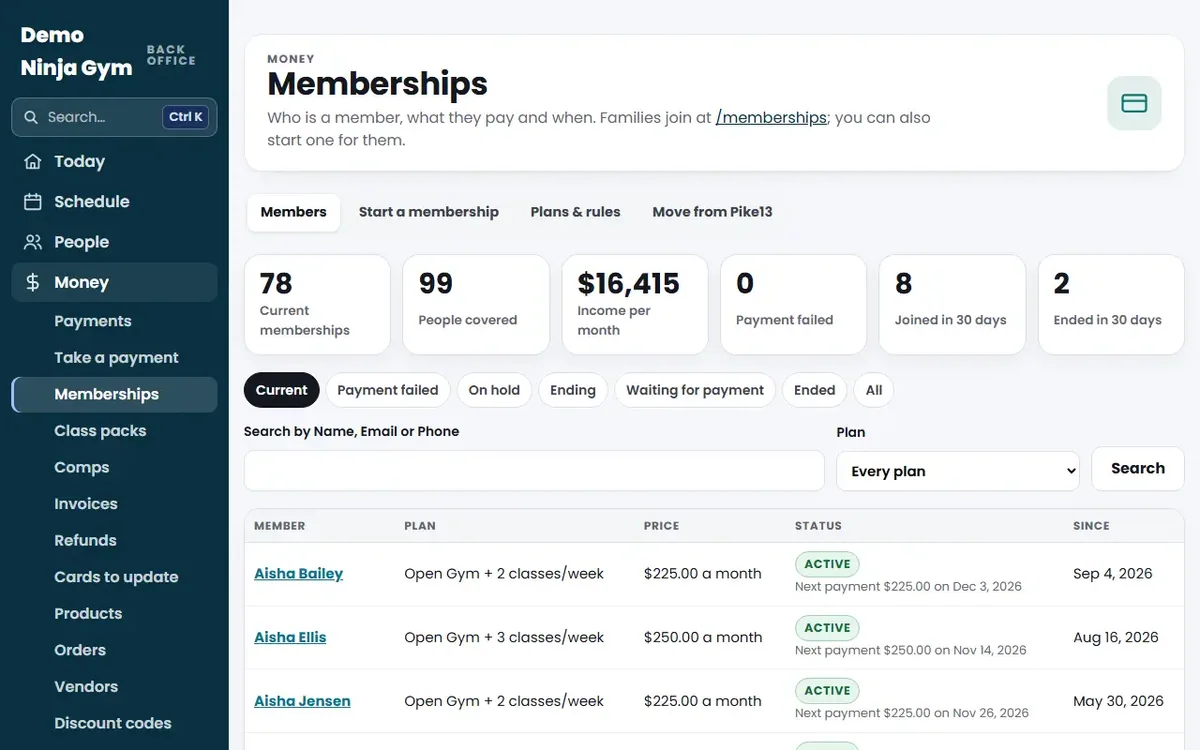
Memberships, with filters for payment failed, on hold and ending. Sample data.
Every way a family tries you out
Free trial classes
Turn trials on per class. Families get a reminder the day before and a follow-up the day after, skipped if they've already enrolled. You get an alert on your phone.
Drop-ins
Paid online for a class or open gym. A missed paid drop-in never expires and works for any other class.
Class packs
Sold online or at the desk, and as a gift. Each check-in uses one class, and the family is emailed how many are left.
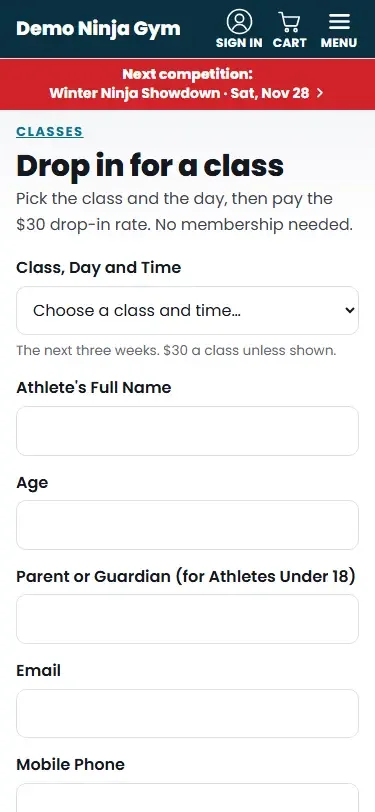
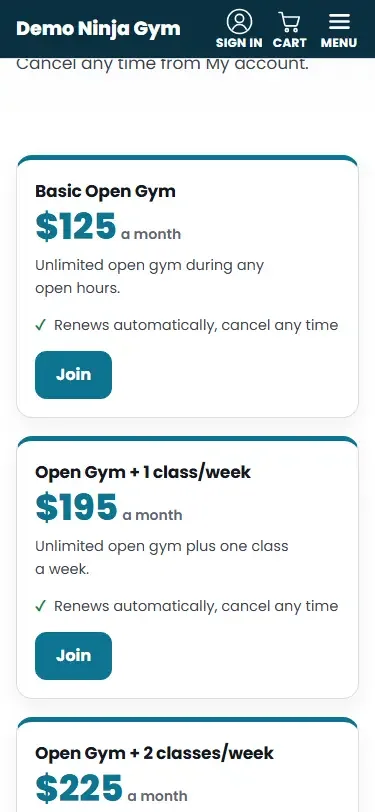
My account, on their phone
Sign in with a code, Google or Face ID, and everything is there: the week's schedule, each child, passes, memberships, payments and receipts.
The whole family
Add and edit children, with an optional photo. Each child's waiver status shows beside them.
Change a booking
Cancel or move a booked class up to 2 hours before it starts (you choose the cut-off).
Payments and receipts
Every payment with its receipt, an account history to download, and cards to add or replace.
Bring your members with you
Move from Pike13, Mindbody, iClassPro, WellnessLiving, Zen Planner, Jackrabbit, Gymdesk or a spreadsheet.
- Members and passesWith a test run first. Nobody is charged until their next payment date, and families get a secure link to add their card.
- Families and studentsYour contact lists, with duplicates merged and nobody signed up for news unless they already agreed.
- Your classesDownloaded from your iClassPro portal, or copied from your current public pages.
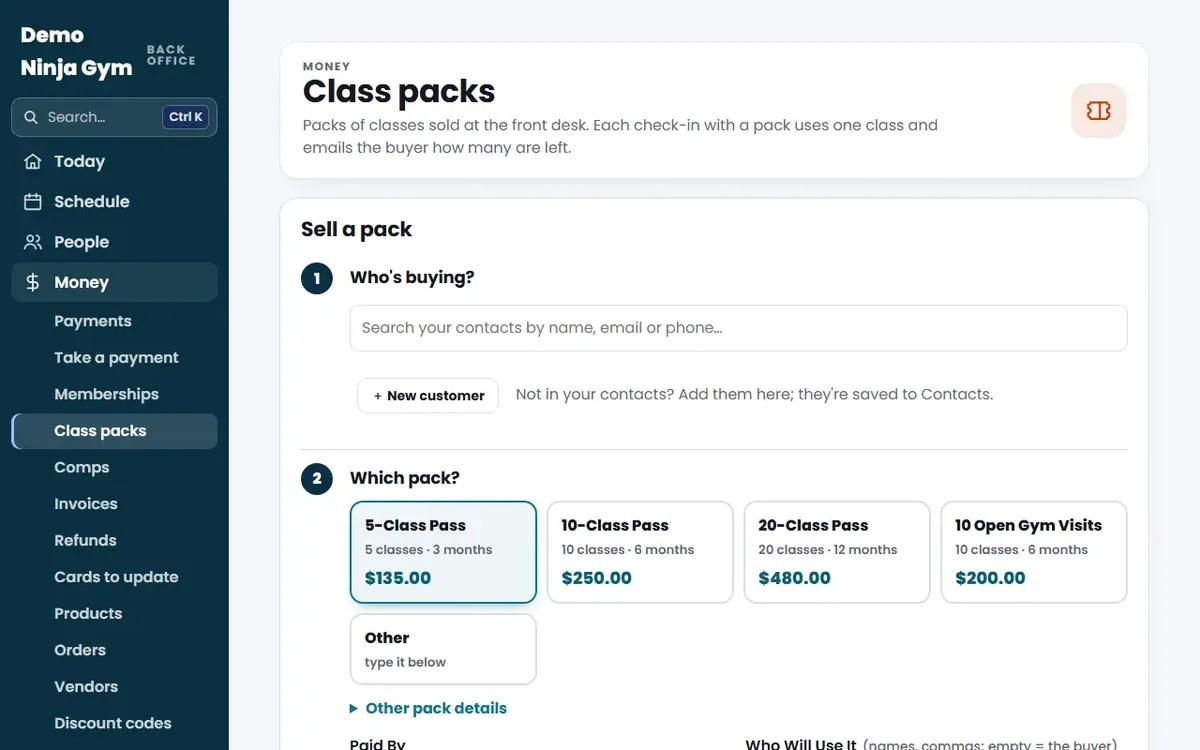
Class packs in the back office. Sample data.
Classes and memberships, answered
Where does the money go?
Straight to your own Stripe account. Ninja HQ never holds the money and adds no transaction fee; Stripe's standard processing fees apply.
Can families cancel online?
Yes, in My account. The membership stays active to the end of the period they paid for. Cancelling doesn't refund anything automatically.
What happens when a card is declined?
The member shows as Payment failed and gets an email with an Update My Card button. Stripe tries again, and you can send a reminder yourself.
Do you have a waitlist?
Yes, for full monthly classes. When a spot opens the first family is emailed and the spot is held for 48 hours.
Can I move my members from my current system?
Yes. Members and passes move with a test run first, and nobody is charged until their next payment date. Card numbers can't move between companies, so families get a secure link to add theirs.
Keep exploring
Give your gym the HQ it deserves
Give us your current website and we build your new one, free to explore. No payment before you approve launch. Prefer a walkthrough? Request a 30-minute demo with a Ninja HQ expert.