How do I add my own CSS to the website or to one page?
Under Website > Pages open Custom CSS for the Whole Site, or in the editor's Page Settings use Custom CSS for This Page. Then publish.
Owners, managers and web developers can add CSS for what the design settings can't do. Everything else works without code.
Before you begin
- The site's CSS goes into the draft design: visitors see it after you publish the design. A page's CSS goes into that page's draft.
Steps
- Open Pages under Website.
- For the whole site: open Custom CSS for the Whole Site, write the CSS and press Save the CSS. Then press Publish the Design.
- For one page: press Edit on the page, open Page Settings and use Custom CSS for This Page. It saves with the draft; then publish the page.
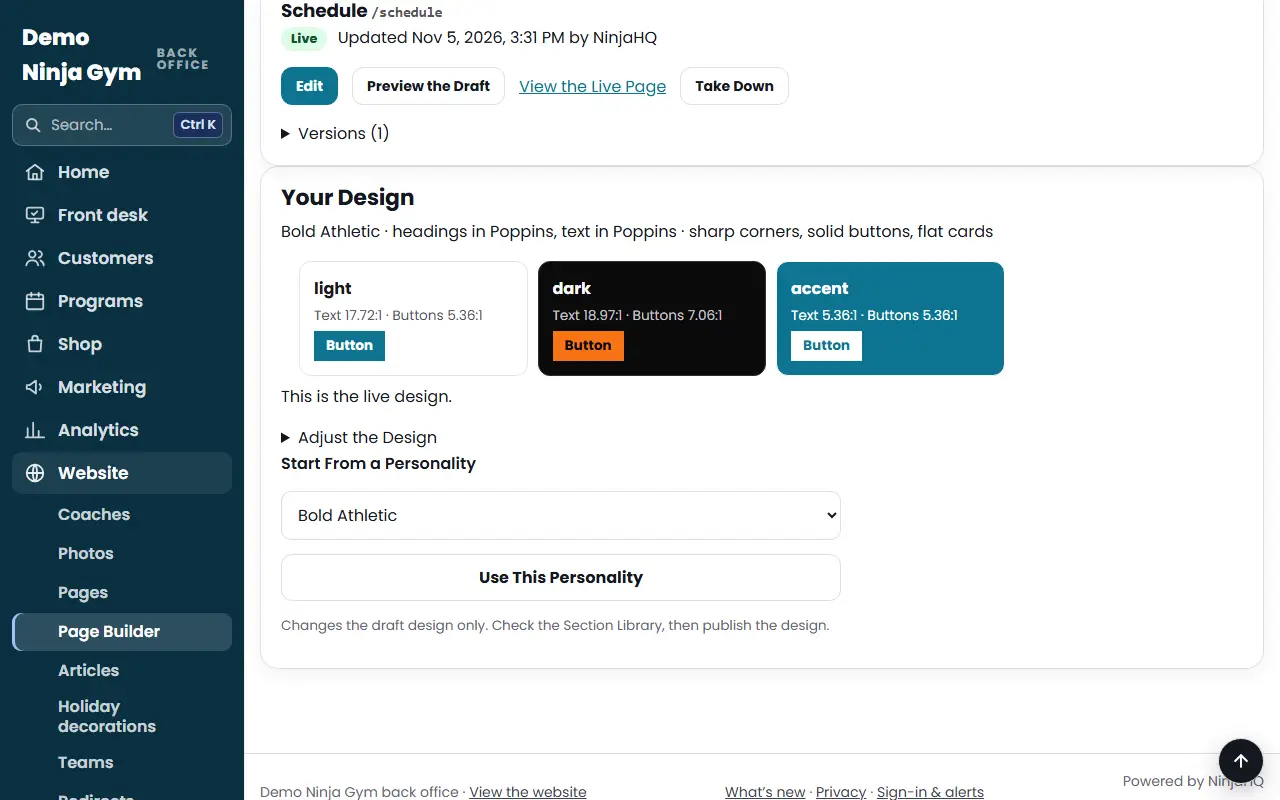
What you'll see
- The site's CSS applies after the design's own colors and fonts. Use the design's variables, such as
var(--pb-accent), and classes, such as.pb-t-hero. - A page's CSS is kept to that page:
.pb-t-hero h1 { ... }changes only that page's hero.
Troubleshooting
My CSS was refused. The message says why: @import, a picture from another website, or unbalanced braces.
Questions
Can CSS break my site?
It's checked when you save: no @import, and pictures and fonts only from your own site. The review before publishing also catches hidden focus outlines, tiny text, widths too wide for a phone and hidden menus.
Does a page's CSS change other pages?
No. Every rule is kept inside that page for you.