How do I choose the ways to pay at the front desk?
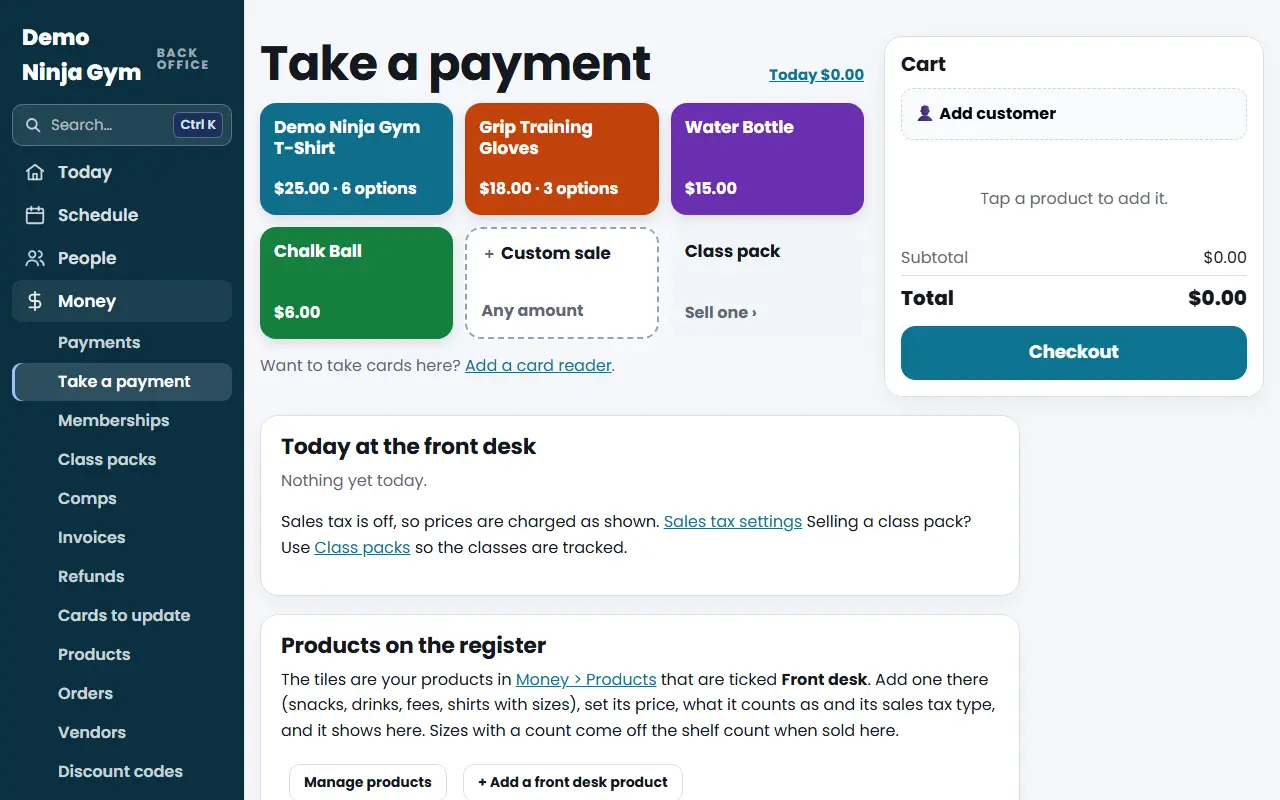
On Take a payment, scroll to Ways to Pay at the Front Desk, untick any way you do not want, and press Save. It hides that option everywhere staff take money.
Staff see only the ways to pay you allow. This is useful once you have a card reader, so nobody selects "card" without actually taking money.
Before you begin
- Only owners can change this. Managers and staff cannot see the box.
Steps
- Open Take a payment and scroll to Ways to Pay at the Front Desk.
- Untick the ways to pay you do not want. The choices are:
- Card reader: swipe, tap or insert on your Stripe reader.
- Card on file: charge a customer's saved card.
- Cash: change worked out for you.
- Card on another machine: records the sale only.
- Other: check, Venmo and the like; records the sale only.
- Press Save.
What you'll see
An unticked way disappears everywhere staff take money: the register, Class packs (the Paid By choice), drop-ins at Check-in, and gift cards sold at the desk. It is refused there as well, not just hidden.
Gift cards, free or comp, and "already rung up on the register" stay available. Invoices marked paid elsewhere and competition "paid at the gym" are not front desk payments, so they are not affected.
Troubleshooting
It warns me no card reader is set up. You turned off Card on another machine, and there is no reader, so the desk cannot take cards. Add a reader or turn the option back on.
The Card reader option says it shows once a reader is added. Add one under Settings > Card readers: How do I add a card reader?.
I cannot untick the last one. At least one way to pay has to stay on.
Questions
Why turn off Card on another machine?
It only records a sale; the money is taken somewhere else, not through NinjaHQ. With a Stripe reader, turning it off makes sure cards go through the reader so the money really arrives.
Can I turn all of them off?
No. At least one way must stay on.