How do I take online sign-ups and payments for a camp, and refund one?
In the event's Online Sign-Up and Payment box add options, prices, open days and spots. Sign-ups list under Online sign-ups, where owners can Refund.
Instead of sending families somewhere else, you can let them pick an option, pick a day and pay by card on your website. You see everyone who signed up grouped by day.
Before you begin
- Connect Stripe so cards can be charged.
- Add the special event first (see add a special event).
- Only owners can refund.
Steps
Turn on online sign-up
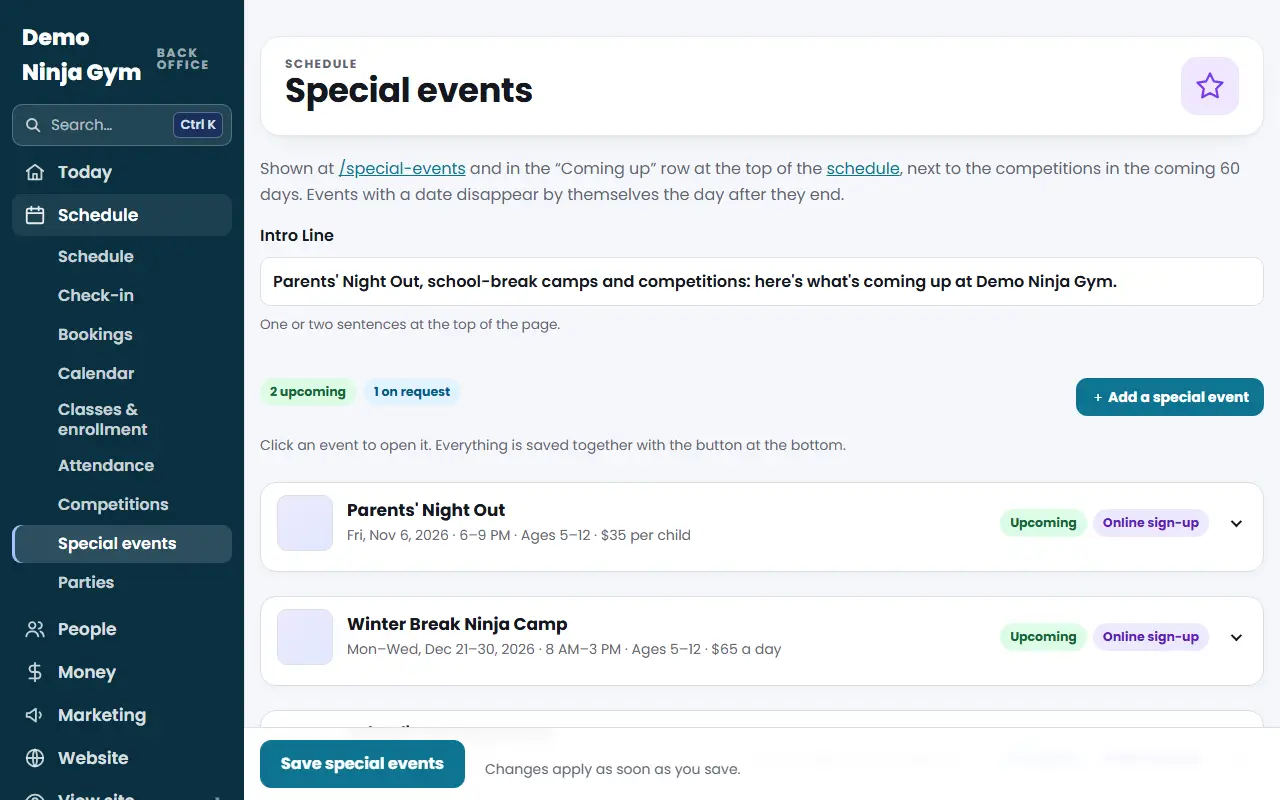
- Open Special events and open the event.
- In Online Sign-Up and Payment (optional), fill in Options and Prices, One per Line. Write each option, a bar, then its price, for example
Full day, 8 AM–3 PM | 80. Leave it empty to turn online sign-up off. Each price must be at least $1. - In Days Open for Sign-Up list each day as month/day/year, separated by commas, for example
10/14/2026, 10/15/2026. Add days as soon as they are announced. - Set Spots per Day to limit how many can come. Empty means no limit.
- Choose Sales Tax Type, or leave the default from Settings > Sales tax. It is only used when sales tax is on.
- Optional: add an Extra Question (optional) in the form
Question | choice, choice, for exampleWhich county's schools? | Cobb, Paulding. The answer shows in your list. - Press Save special events.
See sign-ups
- Scroll to Online sign-ups at the bottom of the same page.
- Each event is grouped by day with a count like "5 signed up of 20". The table shows the camper and age, the option, the parent and contact details, any pick-up person, your extra question's answer, notes and what was paid.
Refund
- In the camper's row press Refund. The box names the amount.
- Confirm with Refund and the amount.
What you'll see
Refunded rows turn grey and say Refunded. The spot is released and the family is emailed. A sign-up that was only partly refunded shows the refunded amount under what was paid. Test sign-ups are tagged Test.
Troubleshooting
There is no Refund button. The sign-up must have been paid through Stripe and still have money left to refund. Other cases show only "Refunded" or nothing.
The save says to check my options. Each line needs a label, a bar and a price, like Full day, 8 AM–3 PM | 80.
A date was refused. Use month/day/year, like 10/14/2026.
Questions
How do I limit how many kids can come?
Fill in Spots per Day. Empty means no limit.
What happens when I refund?
The amount goes back to the family's card, the spot is released and the family is emailed. Stripe keeps its original processing fee.
How do I add a new day?
Add it to Days Open for Sign-Up as month/day/year, separated by commas. Past days drop off by themselves.