How do I manage my league's season events and start a new season?
On a league site, Events > Events lists your season's events. Add each with host, dates and wave times, then Start a new season when it ends.
On a league website the Events page is where you keep the season: each qualifier or event, who hosts it, when it is, the wave times by division and where to register. These make your public Events page, the tour on your home page and your Results page.
Before you begin
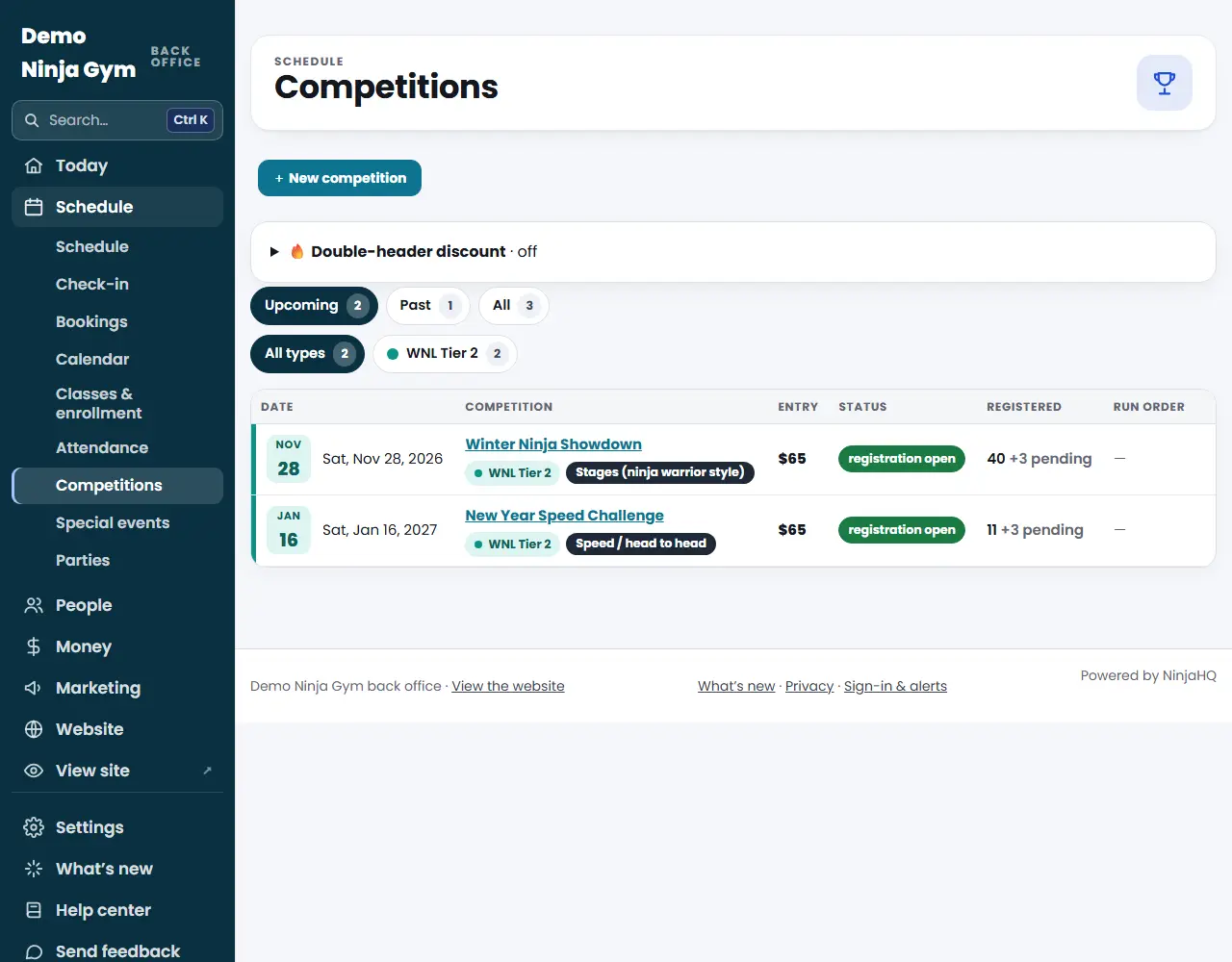
- This applies to league websites. A gym website's Competitions page is described in create a competition.
- Only owners can start a new season.
Steps
Set up the season
- Open Events.
- Under This season set the Season Name, optionally the Years, and an optional Events Page Introduction. Press Save.
- Under Divisions add each division's name and ages (for example Ages 9–10), in the order you want them shown on your home page under "Who can compete". Add an optional Division Note. Press Save divisions.
Add an event
- Press + Add an event.
- Under The Event choose the Kind, optionally a Label like Qualifier 3, and the Host Gym (required). Add the Host Website, City, State or Province, Country, Start Date, an End Date for more than one day, the Register Link (the host gym's registration page) and a Note for the event card.
- Under Wave Times press + Add a day, set the date, then + Add a wave for each division and its start time. Use Schedule Note for a line shown while there are no wave times.
- Under Live Streams and Replays press + Add a video and paste a YouTube link. It plays on your Results page only when someone presses play.
- After you save, add the host's logo under Host Logo (Add logo). Tick White Logo if it should sit on a dark tile.
- Press Add the event.
Work with an event's athletes
On the Events list each event has an Athletes button. On that page you can Import athletes from a CSV file, ask them for bios (the button shows how many will be emailed), and email podium athletes a link to share their result.
Start a new season
- At the bottom of the Events page open Start a new season.
- Enter the New Season Name and optional years, press Start the new season and confirm.
What you'll see
- Events are listed by date. A Held tag appears once they pass. A warning tag says "No wave times yet" or "No register link" for upcoming events.
- Starting a new season moves this season and its events to past seasons on your Results page, and clears the Events page introduction.
- Past seasons at the bottom can be edited too.
Troubleshooting
An event is not on my public page. Check that it has a Host Gym and a Start Date, and save.
I removed an event by mistake. Use the History page to bring it back.
Questions
Why does my Events page look different from a gym's Competitions page?
A league website manages its season's events here instead of running competitions with online registration. Athletes register with the host gyms.
What happens to old events?
Events move to the past automatically once they are held, and Start a new season moves the whole season to past seasons on your Results page.
Can I undo starting a new season?
Yes. The History page can undo it.