Which families are champions, at risk or lost?
Insights sorts every paying family into six groups, from Champions to Lost. Click a group to list its families, or download them as a CSV file.
Insights puts every family that has paid you into one of six groups, so you can see who to thank and who to follow up with.
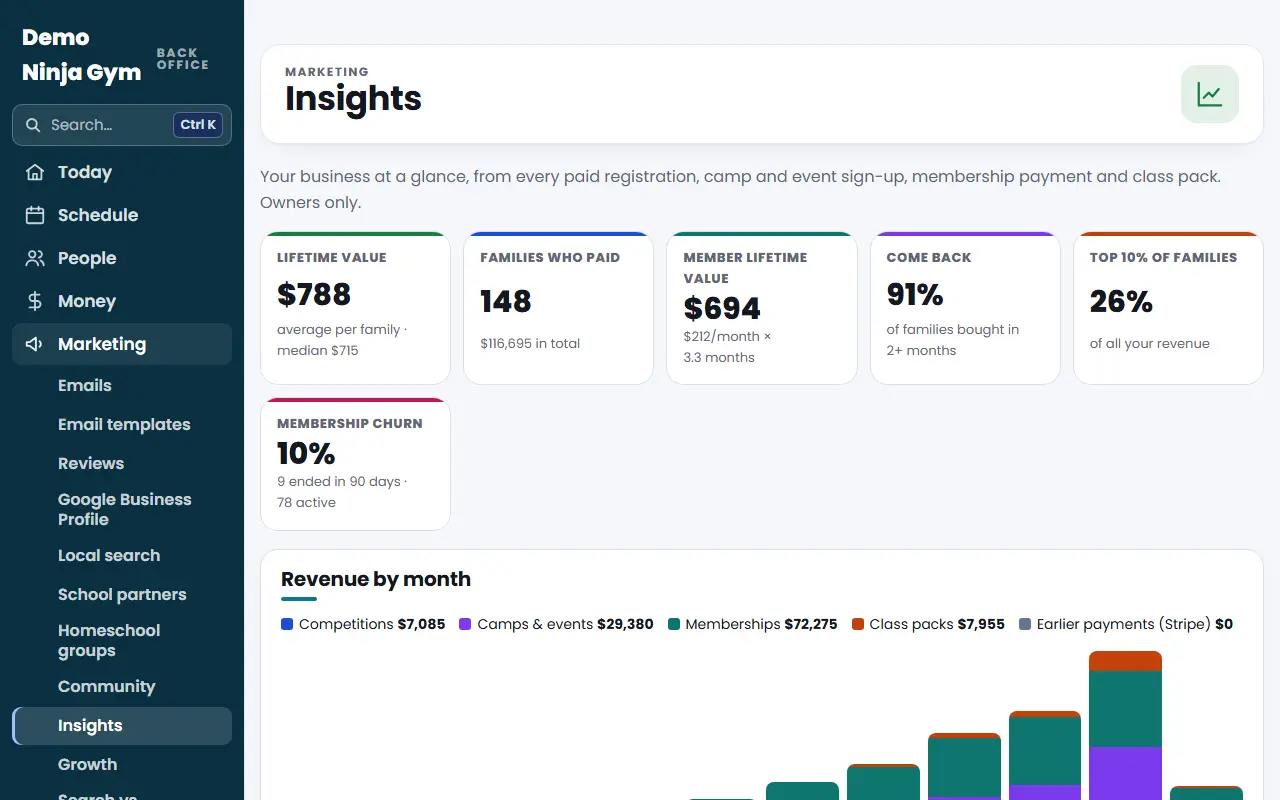
Before you begin
- Only owners can open Insights.
- A family is one email address. Groups use how recently they bought, how often, and whether they have an active membership.
Steps
- Open Analytics > Insights and scroll to Families by segment.
- Look at the six groups:
- Champions: bought recently and often, or have an active membership.
- Loyal: three or more purchases.
- New: first purchase in the last 60 days.
- Needs attention: bought once, 60 to 180 days ago.
- At risk: regulars who have not bought in 90 or more days.
- Lost: nothing in over 180 days.
- Click a group to list its families. Each row shows the family name and email, lifetime value, number of purchases, what they bought (competitions, memberships, class packs and so on), the first and last purchase dates, and the group.
- Click a family's name to open their contact page. Only families who are in your contacts have a link.
- To go back, press Show the top families. With no group chosen, the table shows your most valuable families.
- To keep a copy, press Download (CSV). If a group is chosen, the file holds only that group. The file has the columns Family, Email, Lifetime value, Purchases, First purchase, Last purchase, Segment and Member.
What you'll see
A small "member" tag marks families with an active membership. The table lists up to 200 families at a time; the CSV file holds the whole group.
Troubleshooting
A family I know is a regular shows as Lost. Insights only sees payments recorded in NinjaHQ and in your linked Stripe account. Payments made some other way are not counted.
Someone is a Champion but only bought once. A family with an active membership counts as a Champion even with one purchase.
Questions
Can I email a group straight from this page?
No. You can download the list as a CSV file and use it for your own follow-up.
How often do families move between groups?
Every time you open the page the groups are worked out again from today's date and each family's purchases.