How do I change the menu on my website?
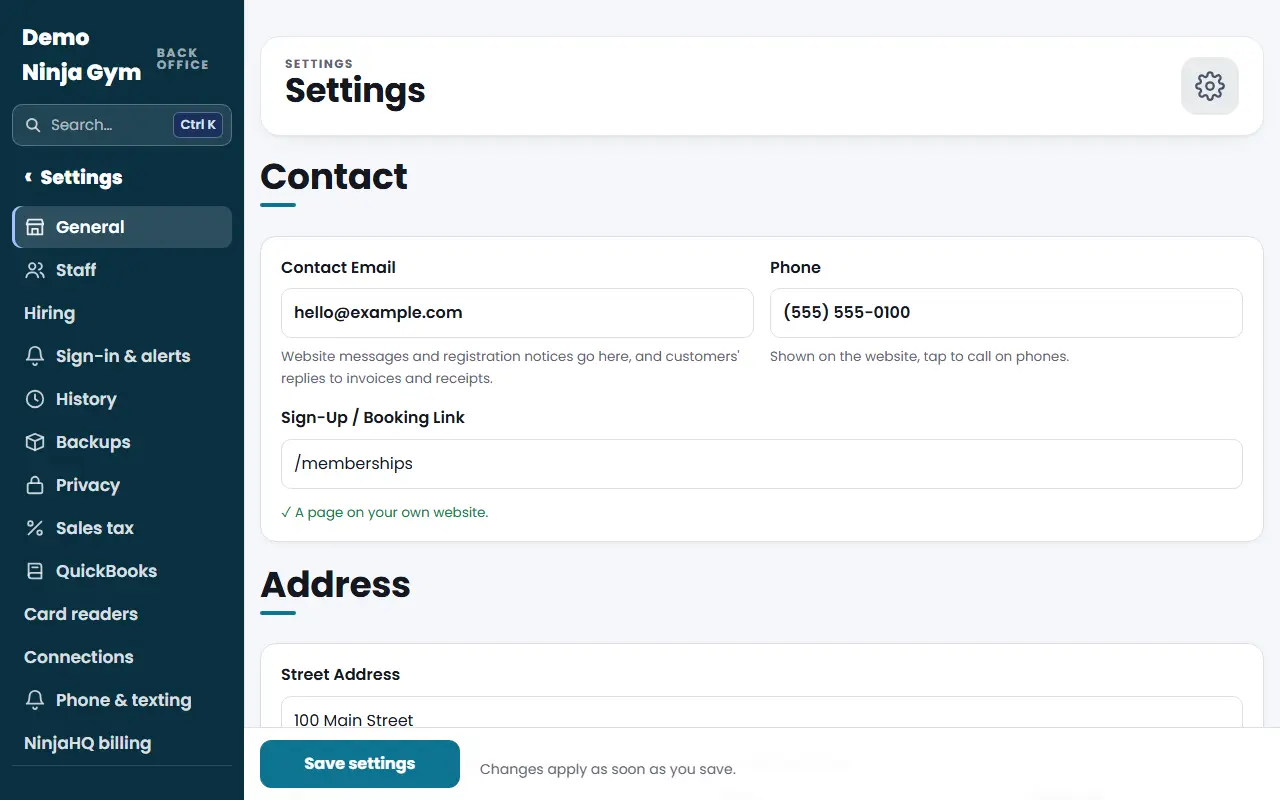
On Settings > General, scroll to Menu. Tick the pages to show, rename them, move them with the arrows, group pages in a Dropdown, then press Save menu.
The menu is the row of links across the top of your site, and the Menu button on phones. You choose which pages show, what they are called and in what order.
Before you begin
- You must be an owner.
- Every page in your site is listed, including pages not in the menu yet.
Steps
- Open Settings and scroll to Menu.
- Each row has a Show checkbox with the page address, a Menu Text box and an optional Dropdown box. Untick Show to hide a page from the menu.
- Change the words in Menu Text (up to 24 characters).
- To keep the menu short, give several pages the same Dropdown name, such as "Classes" or "About us". They then open from one menu item with that name, in the order shown.
- Use the up and down arrow buttons to move a page.
- Press Save menu.
What you'll see
The text above the editor tells you whether you are using the standard menu or your own. After you save, your menu shows the order and wording you chose and the change appears on the site within about a minute. The saved change is listed in History.
Troubleshooting
A page is missing from the list. The list only offers pages your site has. New pages, such as ones made under Website > Pages, appear after they exist.
I want to undo my edits. Press Use the standard menu (it shows once you have your own menu), or restore the earlier version from History.
Questions
Can I go back to the default menu?
Yes. Press Use the standard menu. Your own order and wording are dropped and the standard menu returns, with Teams and your extra pages added by itself.
Does hiding a page delete it?
No. Unticking Show only takes it out of the menu. The page still exists and can still be reached by its address.
Related articles
- How do I change my gym's address, hours and contact details?
- How do I see who changed something and put the old version back?
- How do I set up Face ID, a fingerprint or an authenticator app for sign-in?
- How do I choose which phone notifications and emails I get?
- How do I download a backup of my gym's data?