How do I add or change a membership plan?
Open Programs > Memberships > Plans & rules, press + Add a plan, set name, price and period, tick the website box to sell online, and save.
A plan is what you sell: "Open Gym + 2 classes a week," a family plan, a yearly pass. Owners create and edit plans.
Before you begin
- Only owners can add or change plans and the rules. Managers can see them.
- Know the price, how often to bill, and how many people the plan covers.
Steps
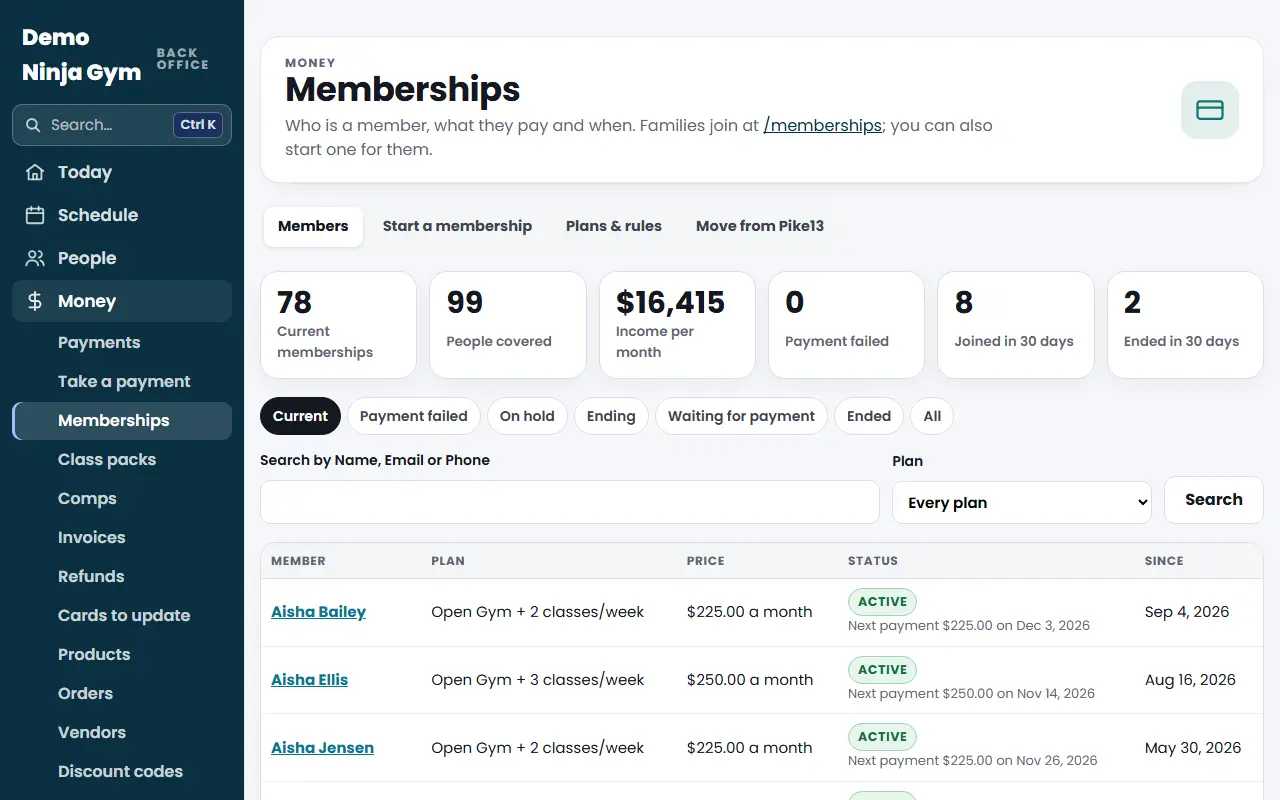
- Open Memberships and press the Plans & rules tab.
- Press + Add a plan (or press the name of an existing plan to edit it).
- Fill in the form:
- Name and What It Includes
- Price, Charged (Weekly, Monthly or Yearly) and Every (1, 2, 3 or 6; "3" with Monthly means every three months)
- People It Covers (1 for one person, more for a family plan, up to 8)
- Sign-Up Fee (optional), charged once with the first payment
- Free Trial Days (optional), for online sign-ups only
- Order on the Page, where a lower number comes first
- Tick Families can join this plan on the website to sell it online. When it is off, only staff can start it.
- Press Add the plan or Save the plan.
Stop or restart selling a plan
Open the plan and press Stop selling it. Press Sell it again to bring it back.
The rules
Under Rules on the same tab you set the Introduction on the Memberships Page, the Membership Terms families agree to, whether members can cancel online in My account, and whether members get a receipt for each payment. Press Save the rules. See the article on what families agree to.
What you'll see
The plans table shows price, who it covers, any sign-up fee or trial, whether it is on the website (Join online or Staff only), and how many members it has.
Troubleshooting
Plans exist but none is on my website. A notice at the top says so. Open each plan and tick the website box.
I do not see an Add a plan button. Only owners see it.
Questions
If I change a plan's price, do current members pay the new price?
No. A plan change only affects people who join afterward. To change what one member pays, open their membership and use Change plan or price.
Can I remove a plan?
You can stop selling it. Nobody new can join it, and current members keep it until you change or cancel their membership.
Why are my plans staff-only?
Plans copied from your Pricing page start staff-only so you can check them. Open a plan and tick the website box to sell it online.